 Skip to content
Step #2:
🛠️ Set Up Your Lead Magnet Funnel
(With Plug & Play Templates)
Here’s something most people never tell you:
You need a simple system behind it — a funnel — that:
✅Captures the lead
✅Delivers the freebie
✅And follows up automatically to build trust and move people closer to your offer
And no — it doesn’t have to be complicated.
In this short lesson, I’ll show you how to launch a clean, high-converting funnel using ClickFunnels… without touching code, hiring a designer, or spending weeks trying to figure it out.
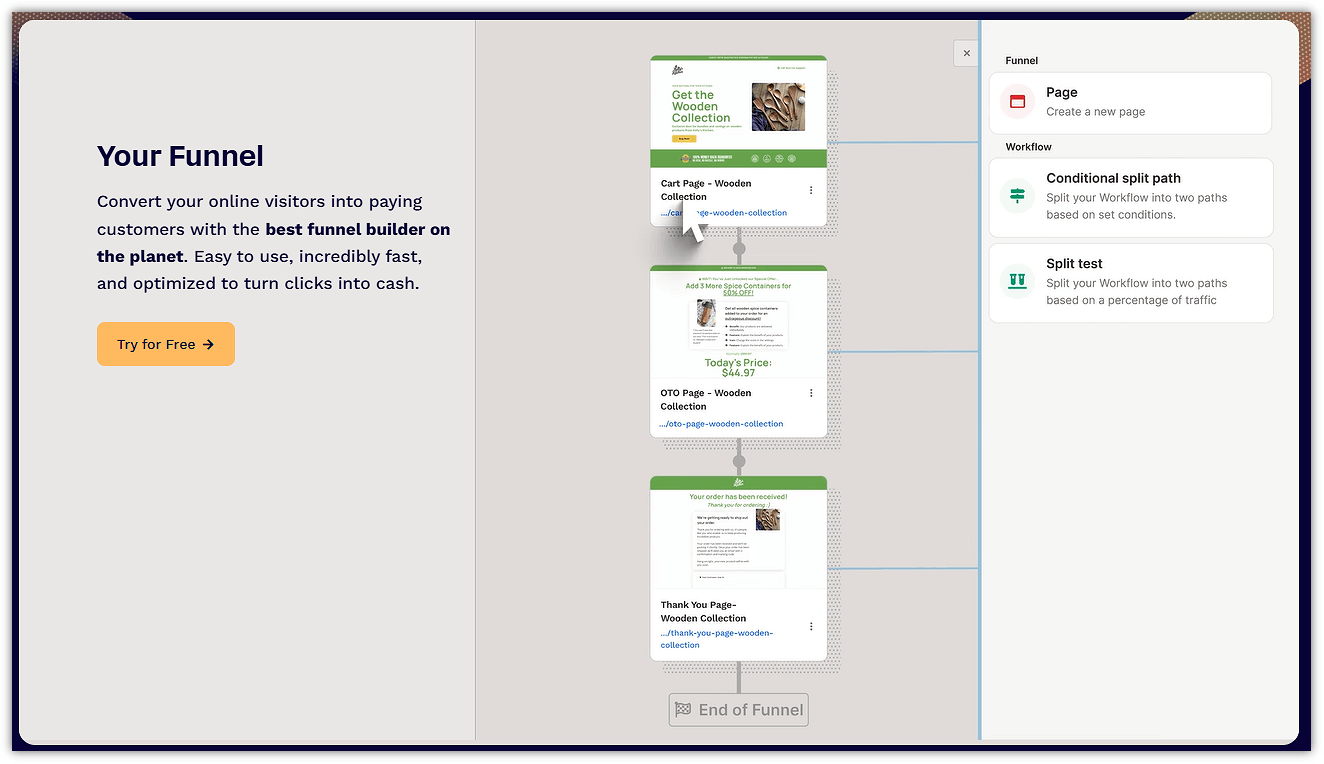
⚙️ No tech overwhelm.
🚫 No “where do I click?” confusion.
🎁 And yep — you’re getting done-for-you funnel templates you can plug in and launch within minutes.
🧱 What Does a Lead Magnet Funnel Actually Look Like?
You don’t need 12 pages and 17 steps to get results.
Forget complicated flows.
Here’s the only 3-step setup you need:
| 🧩 Funnel Part | 🔥 What It Does |
| 1. Opt-In Page | Captures the visitor’s email in exchange for your freebie |
| 2. Thank You Page | Delivers your lead magnet and promotes the next step |
| 3. Follow-Up Emails | Builds trust and gently guides them to your offer |
That’s it.
Keep it lean. Keep it fast.
So, here’s how to do it properly.
🏗️ Step 1: Install a Pre-Built Funnel Template
🎁 Choose and install your ready-to-go ClickFunnels template:
Light Pulse
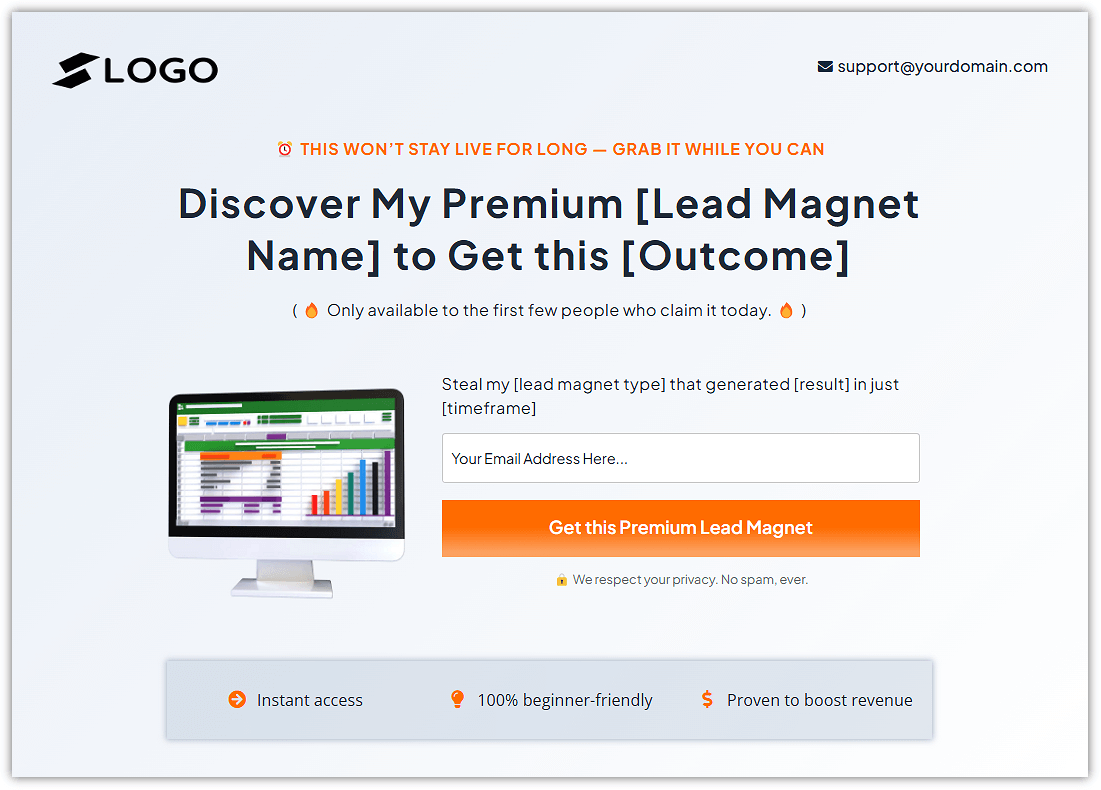
Green Conversion
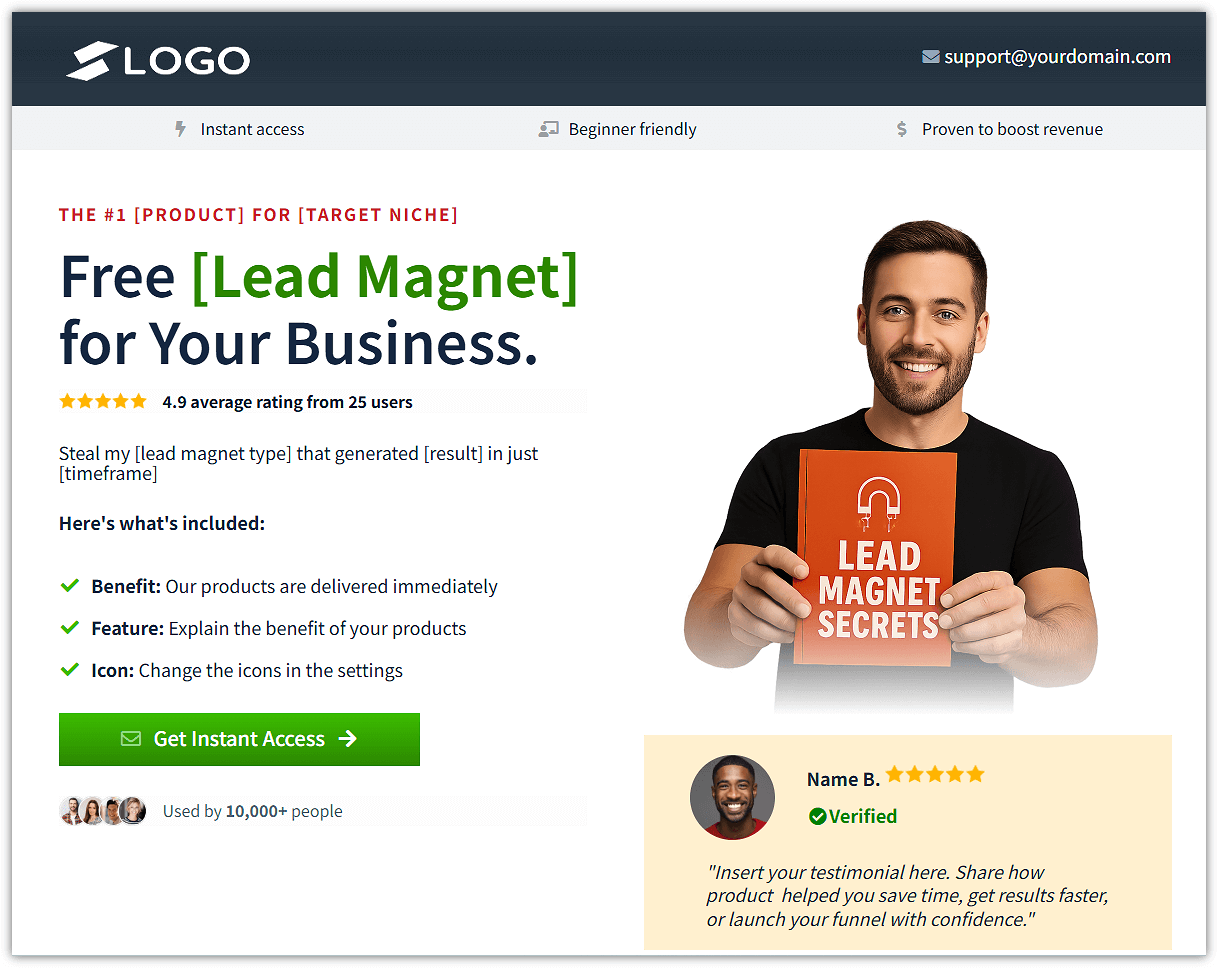
Stylish Conversion
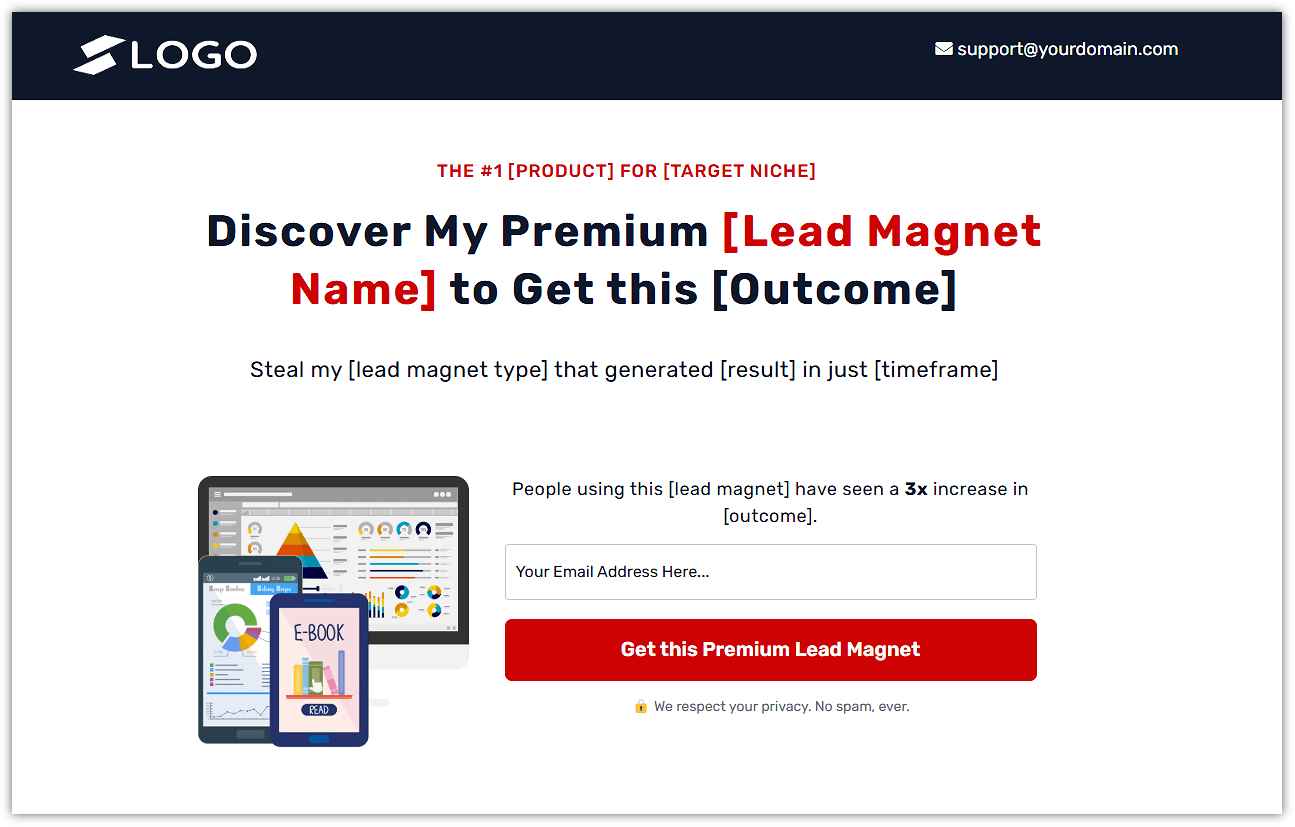
Classy Opt-in
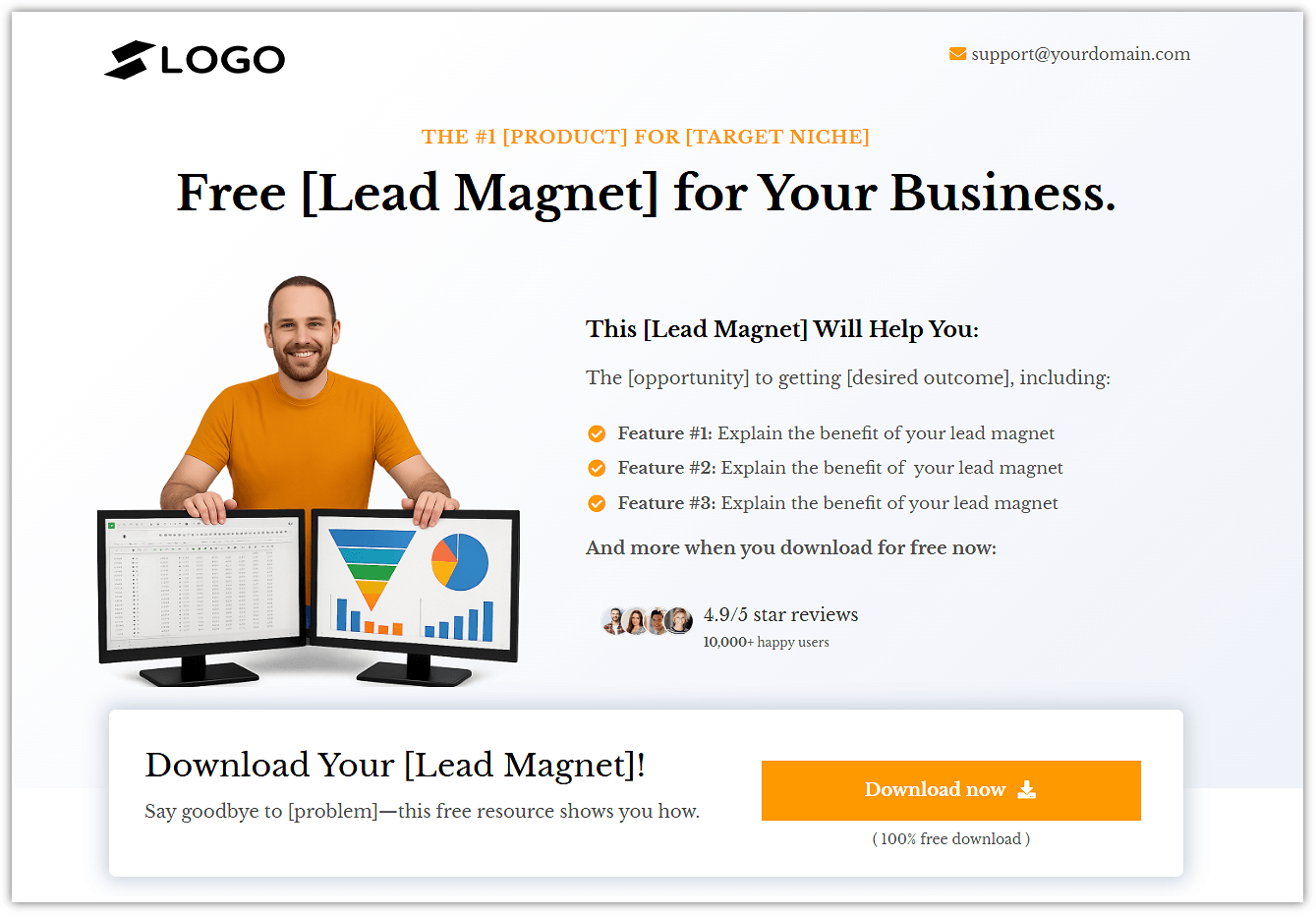
Navy Blue
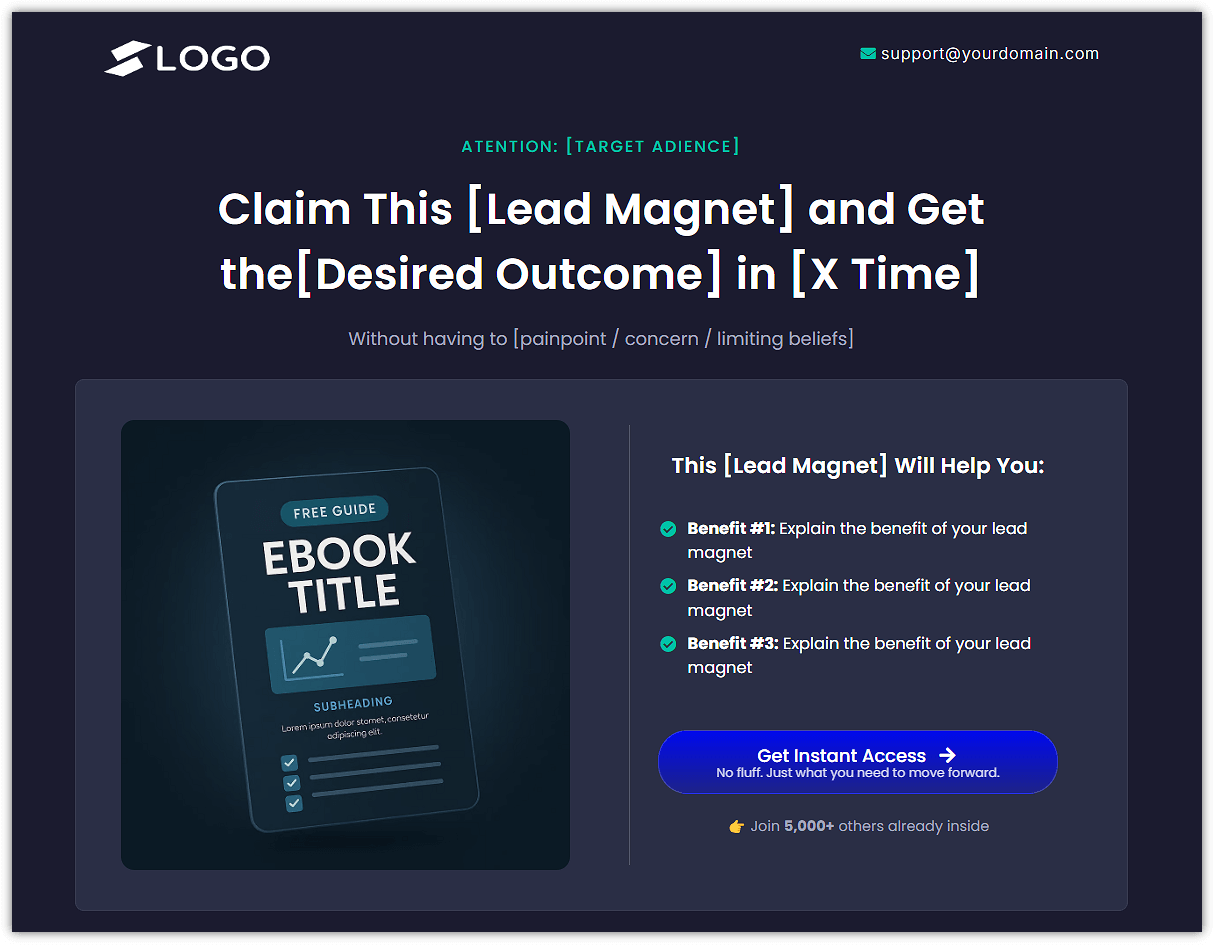
Clean Click
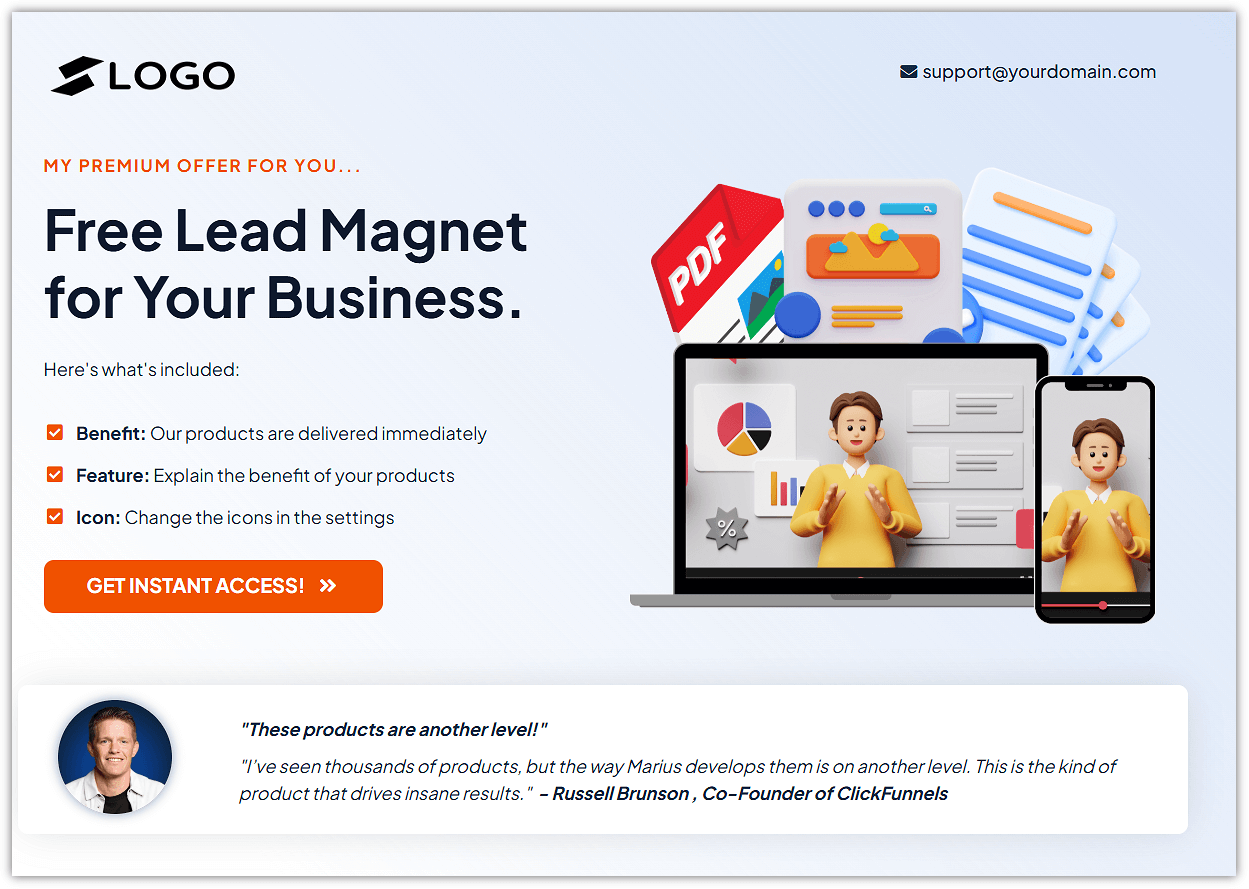
All of these funnels include:
✅ A high-converting opt-in page
✅ A clean thank you page (with a built-in upsell slot)
✅ Placeholder copy you can customize in minutes
🧰 Here’s how to install it:
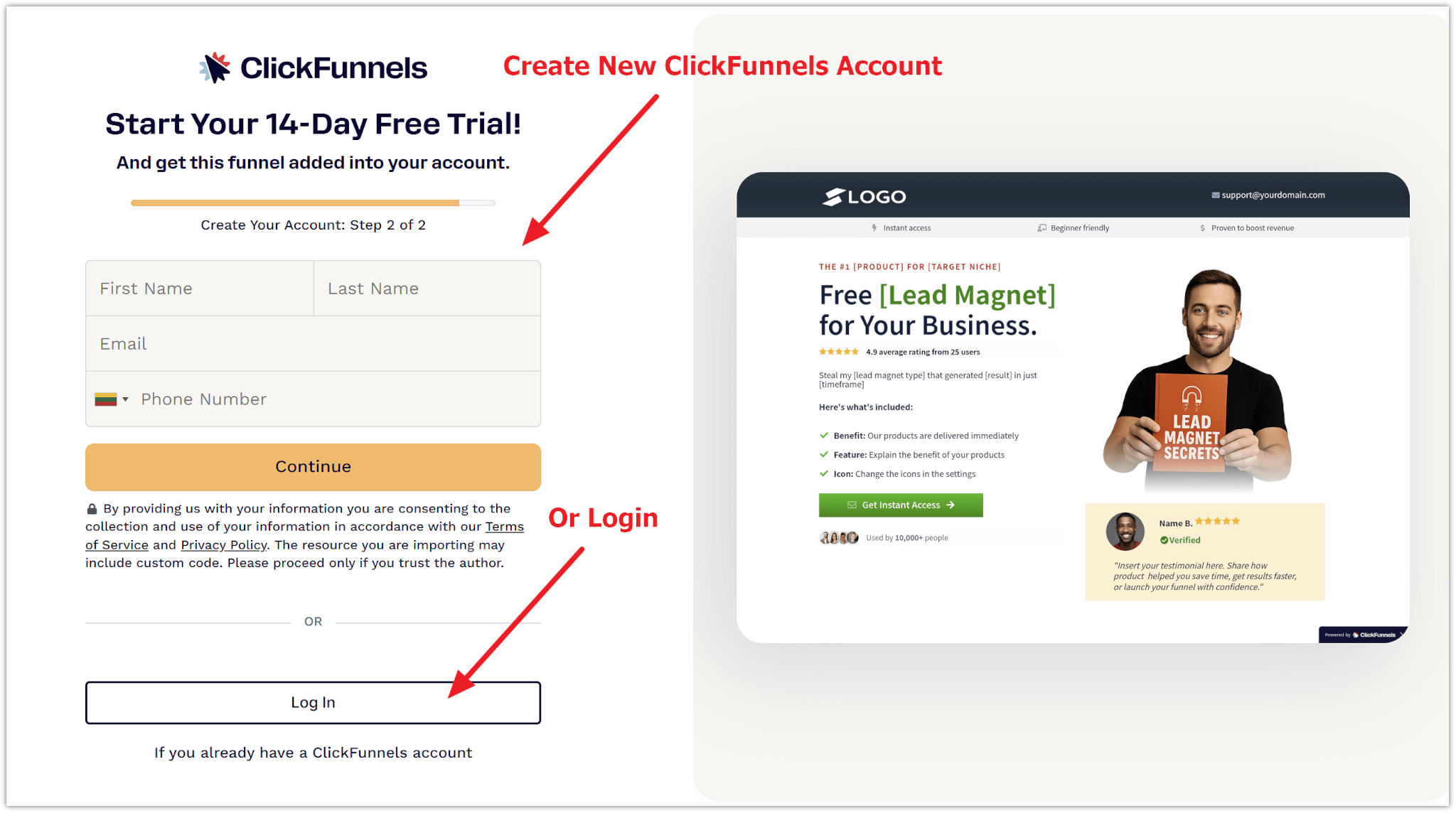
- Click the “Download” button under the template you want to use
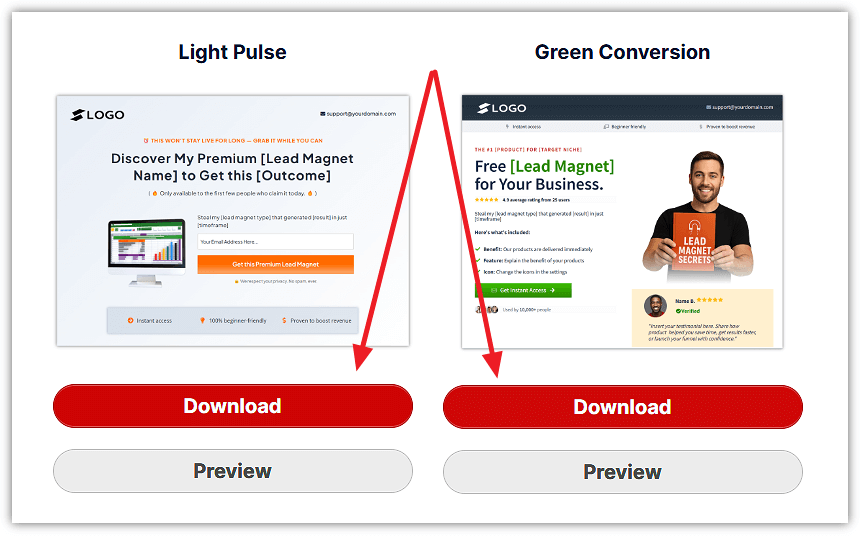
- Create a ClickFunnels account — or log in if you already have one
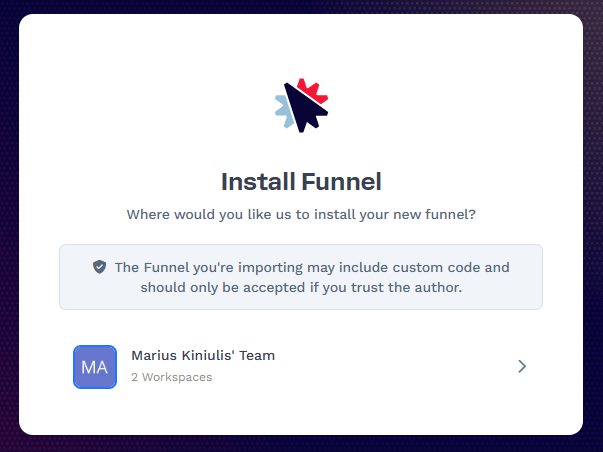
- Choose your workspace (if prompted)
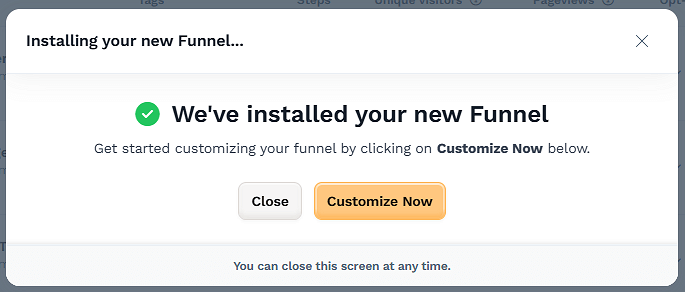
- Click “Add Funnel” — and that’s it, your template is ready to customize
🎯 No building from scratch. Just plug it in and personalize.
🛠️ A Quick Note About ClickFunnels
If you’ve never used ClickFunnels before — no worries.
You don’t need to be tech-savvy or have any experience with funnels.
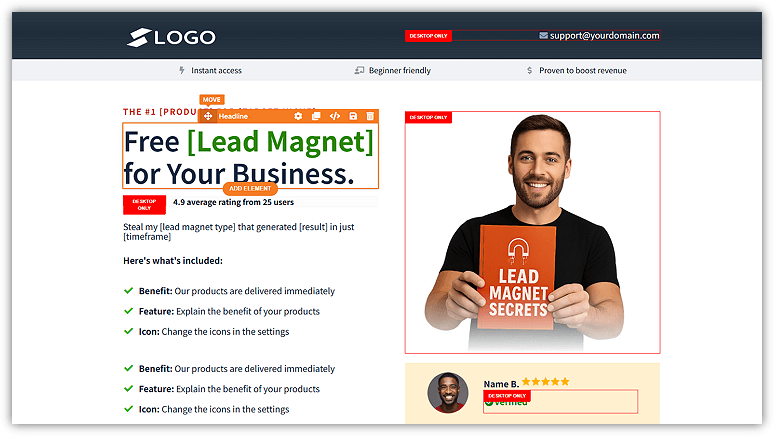
ClickFunnels is built to make launching lead capture pages, thank you pages, and email sequences as simple as drag, drop, done.
Why I recommend it (and use it myself):
✅ It’s beginner-friendly and intuitive
✅ You can build and launch a full funnel in minutes
✅ Everything (pages, automations, emails) is under one roof
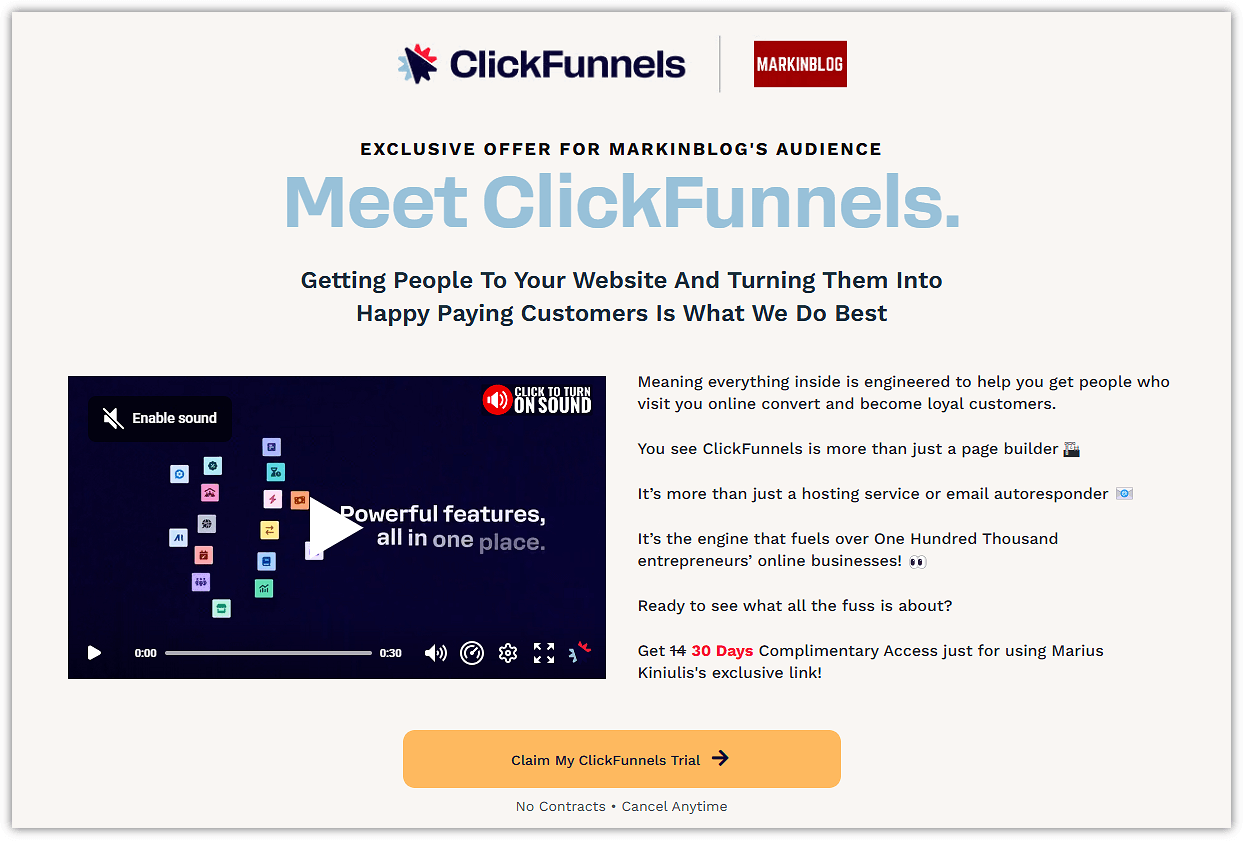
✅ And yes — you can try it 100% free for 30 days
So if you want to follow along and build your funnel as you go, I’ve got you covered.
💡And one more thing:
If you want to go deeper and learn how to create a complete funnel around your product or service — the kind that turns clicks into customers — I highly recommend checking out the One Funnel Away Challenge.
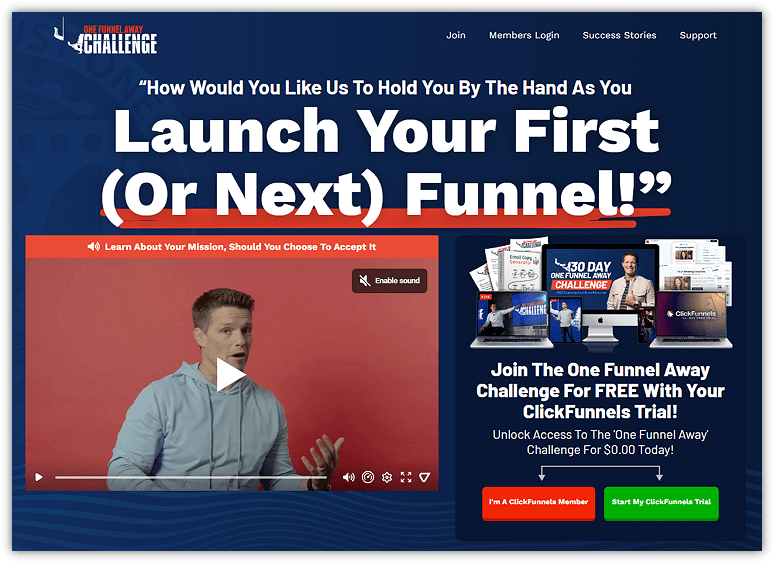
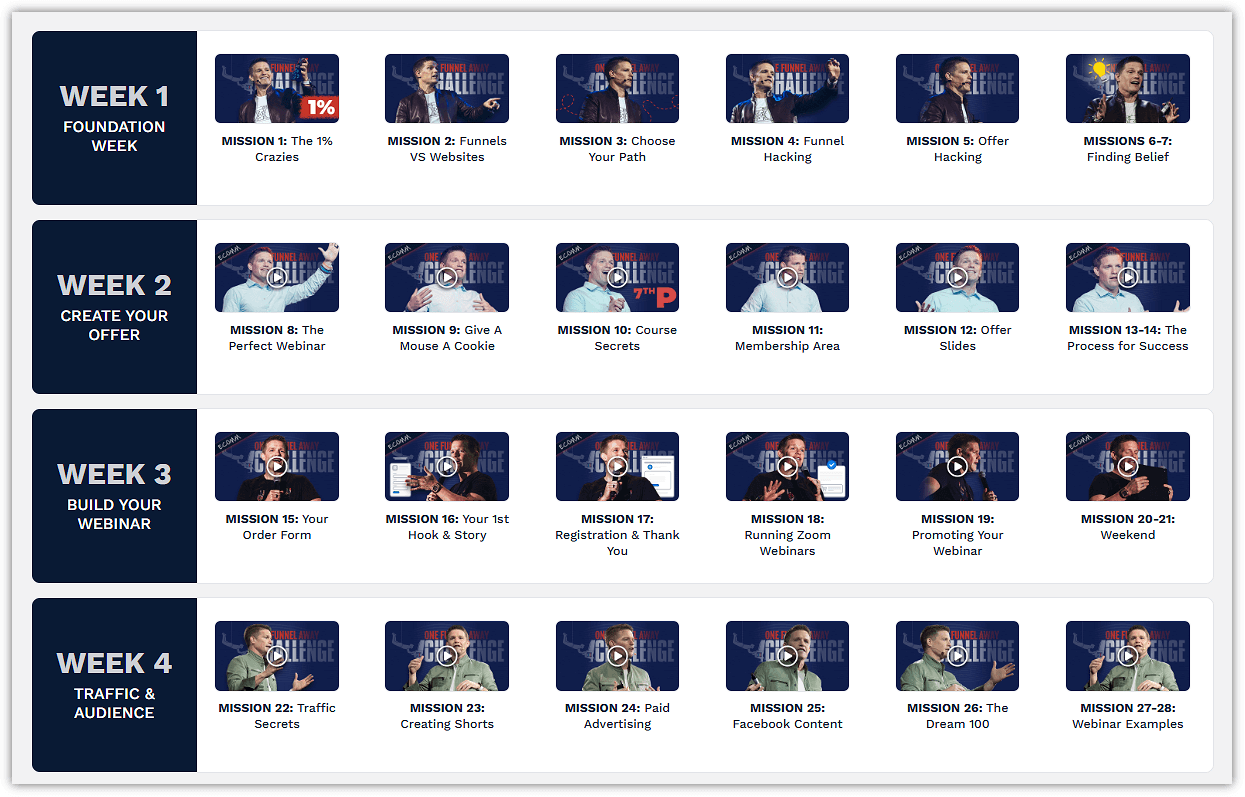
This is a step-by-step training that teaches you how to:
🎯 Craft a complete offer around your product or service
🧱 Build out a complete funnel (not just the lead magnet piece)
✍️ Write compelling copy that gets people to say “I need this”
🚀 Launch with confidence — even if you’re starting from scratch
 No pressure to join — but if you’re serious about turning your lead magnet into a full-blown funnel that drives revenue, it’s definitely worth a look.
And yep, you can join using the same ClickFunnels account you’re already using.
✍️ Step 2: Customize the Opt-In Page
💥 This is your make-or-break moment.
When someone lands on your page, you’ve got just a few seconds to convince them to say “yes” and give you their email.
They’ll either click away…
Or they’ll raise their hand and say, “I want this.”
That decision happens on your opt-in page — so let’s make it count.
Here’s what I suggest to include on your opt-in page:
✅ A bold, benefit-driven headline
✅ A quick subheadline that expands on the promise
✅ A clean, minimal form (name + email, or just email)
✅ A bright CTA button that tells them exactly what they’ll get
💬 Example Copy:
Headline:
👉 “Get Your First 3 Clients in 7 Days — With These Plug-and-Play Email Templates”
Subheadline:
“Download this proven script pack and start landing clients today — even if you have zero experience.”
CTA Button:
“Send Me the Templates”
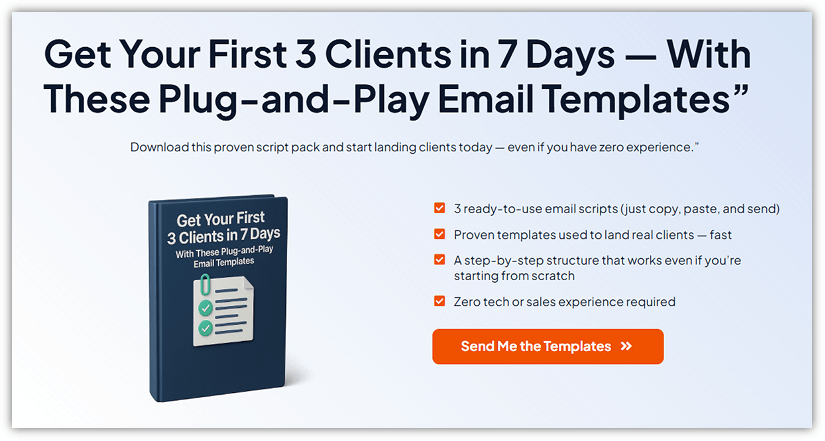
Make your button bold, clear, and ultra-specific. Swap out boring text like “Submit” for something action-driven like “Send Me the Templates” or “Yes, I Want the Free Checklist” — it can seriously boost your opt-ins.
🎉 Step 3: Customize the Thank You Page
Remember this:
The thank you page is a golden opportunity to deliver value and move people toward the next step.
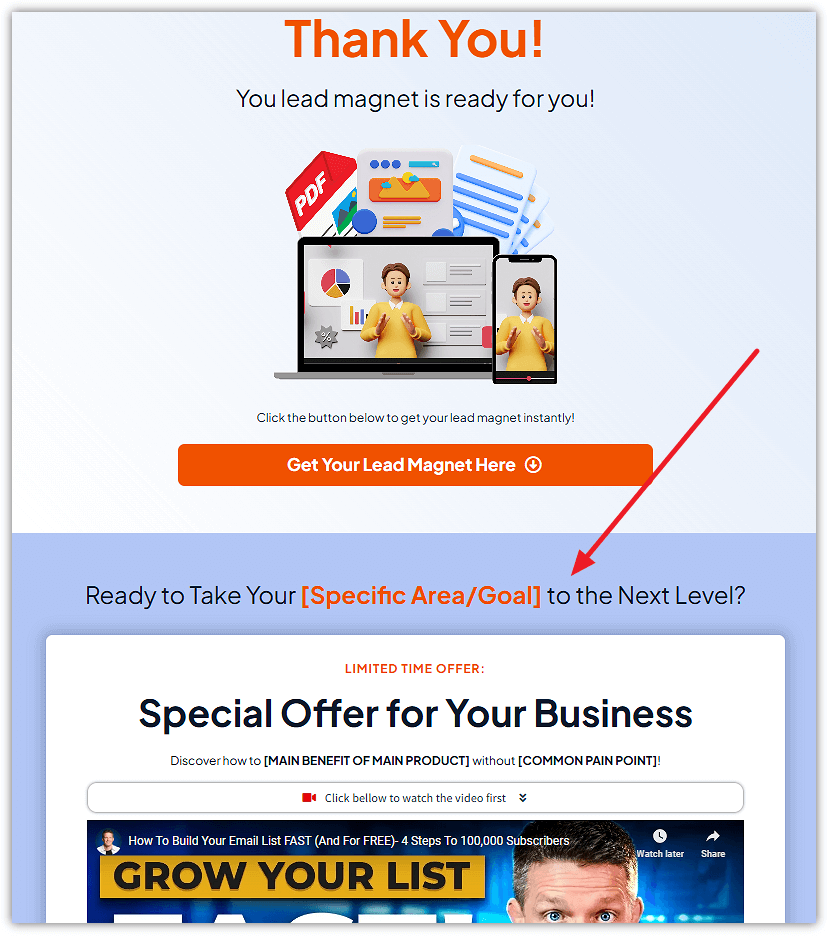
Here’s what I suggest to include:
✅ A simple headline: “You’re In! Here’s What Happens Next…”
📥 A download section to deliver the lead magnet (PDF, Doc, etc.)
🚀 A bonus CTA: Invite them to book a call, join your group, or grab an upsell
Here’s a quick example pulled straight from one of my done-for-you templates:
✉️ Step 4: Set Up Email Automation
Let me tell you — this is the part most people overlook.
They build the funnel, get the lead… and then go silent.
Big mistake.
Because if someone just gave you their email, that means they’re interested. Now’s your chance to show up, build trust, and guide them toward your offer — automatically.
Here’s a basic 3-email welcome sequence that works like a charm:👇
| 🎯 Goal | |
| Email 1: Delivery + Welcome | Thank them, link to the lead magnet again, tell them what’s coming next |
| Email 2: Value + Story | Share a win (your own or a client’s), reinforce the magnet, tease your offer |
| Email 3: Soft Pitch | Gently introduce your main offer, highlight the benefits, no hard sell |
🎁 If it helps, I’ve compiled the whole email sequence in a simple, ready-to-use format.
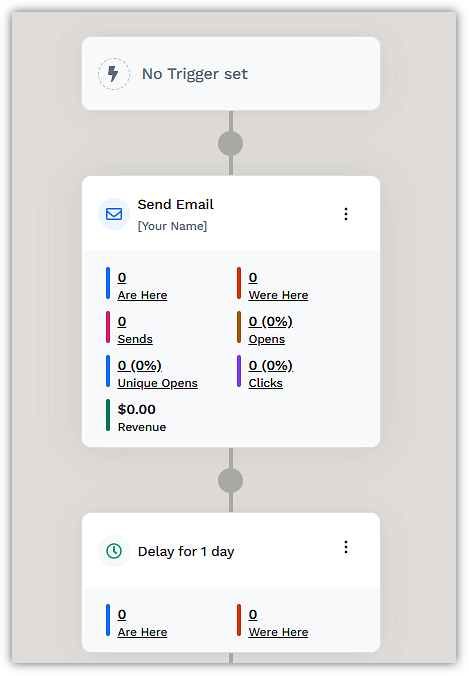
You can download it, tweak a few lines, and have your follow-up set up in minutes.
🚀 Your Action Steps for This Module:
🔽 Download and install the template
✍️ Customize the opt-in and thank you pages
📤 Upload and link your lead magnet
📧 Set up or connect your email sequence
✅ Test the entire flow like a real user
Once that’s done?
You’ll have a live funnel that captures leads and grows your list on autopilot — even while you’re sleeping.
🚀 What’s Next?
Now that your funnel’s live and ready to roll…
There’s one more piece that makes it all work:
👉 Getting the right people to actually see it.
In the next module, I’ll show you how to drive targeted traffic to your funnel using simple, proven strategies that attract people who are already looking for what you offer.
This is where your funnel goes from “set up” to “working.”
Let’s keep the momentum going 👇